
Pan
Source-backed wording - not independently result-testedSlow pan [left/right] across [scene], revealing [subject], keeping [framing] and steady speed.Natural-language cinematography guide
How should users write camera movement prompts for Seedance?
Write camera movement as plain cinematic direction: name one movement, its direction and speed, the subject it follows, and the framing to preserve. For example: "Slow dolly in toward the subject, keeping a medium close-up." Pan, tilt, dolly, truck, pedestal, orbit, crane, handheld, and static shot are filmmaking terms, not guaranteed Seedance-specific control parameters.
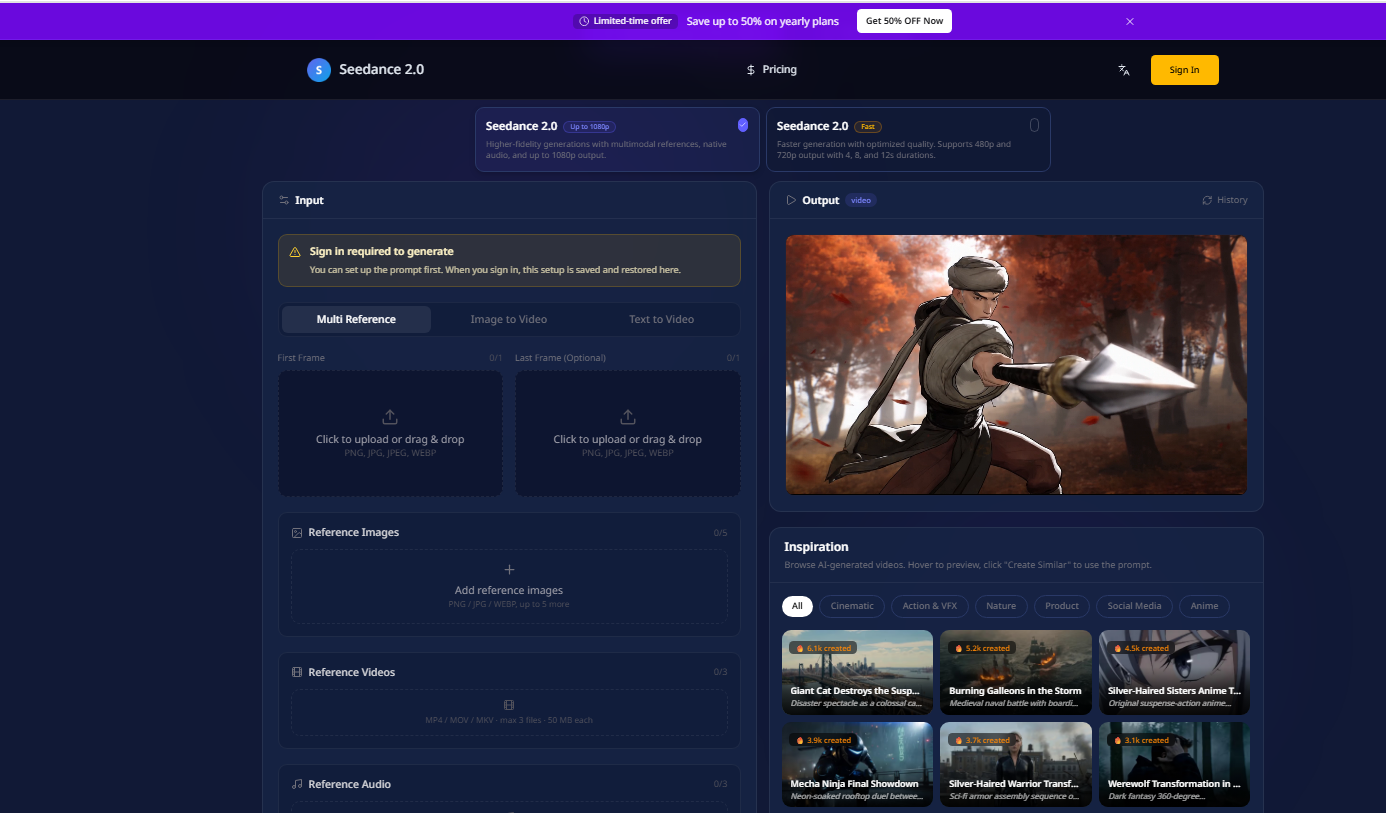
The movement names below are standard filmmaking language used inside prompts. They are not presented as Seedance-specific API parameters. In the current Seedance2Video interface, Camera fixed is a visible toggle; the other terms remain natural-language direction.
| Movement | What moves | Useful prompt phrase |
|---|---|---|
| Pan | Camera rotates horizontally | Slow pan left across the storefront |
| Tilt | Camera rotates vertically | Tilt up from the shoes to the face |
| Dolly | Camera position moves forward or backward | Slow dolly in toward the subject |
| Truck | Camera position moves sideways | Truck right alongside the cyclist |
| Pedestal | Whole camera moves vertically | Pedestal up from waist level to eye level |
| Orbit | Camera travels around the subject | Slow clockwise orbit around the product |
| Crane | Camera follows a larger rising or descending arc | Crane down from the skyline into the street |
| Handheld | Camera uses controlled operator-like movement | Subtle handheld micro-movement, no abrupt shake |
| Static shot | Camera remains fixed | Static locked-off shot; only the subject moves |
| Direction | What changes | Visual result |
|---|---|---|
| Zoom in | Focal length or digital field of view | Subject appears larger while perspective changes little |
| Dolly in | Camera position in space | Subject grows and foreground/background perspective shifts |
| Framing | Composition such as wide, medium, or close-up | Defines what remains in the frame; it is not movement |
Use this order: movement + direction + speed + subject relationship + framing constraint. Example: "Slow dolly in toward the chef, keeping a medium close-up and the hands visible."
One movement is usually easier to interpret than a stack of camera verbs. If two movements are essential, sequence them explicitly rather than describing them as simultaneous.
| Combination | Status | Reason or repair |
|---|---|---|
| Slow dolly in + medium close-up | Compatible | Movement and framing reinforce attention on one subject |
| Truck right + subject walking right | Compatible | Creates a readable parallel tracking relationship |
| Pedestal up + full-body framing | Compatible | Vertical motion can preserve the full silhouette |
| Slow orbit + static product | Compatible | Camera supplies motion while the subject remains stable |
| Crane down + wide establishing shot | Compatible | Large spatial movement matches broad framing |
| Static shot + rapid orbit | Conflict | Choose one camera state |
| Pan left + pan right at the same time | Conflict | Sequence the directions or remove one |
| Dolly in + dolly out in one short beat | Likely conflict | Use a clear midpoint and sequence, or keep one direction |
| Extreme close-up + wide establishing shot simultaneously | Framing conflict | Choose one framing or specify a cut |
| Handheld + perfectly locked camera | Conflict | Choose subtle handheld or static locked-off |
| Mode | What the prompt must establish | Common mistake |
|---|---|---|
| Text-to-video | Scene geometry, subject position, movement path, and framing | Naming a camera move without enough spatial context |
| Image-to-video | How the camera moves relative to the composition already in the image | Requesting motion that contradicts the visible angle, crop, or hidden space |
| Incorrect prompt | Why it fails | Repair |
|---|---|---|
| Cinematic camera, dynamic movement | No direction, speed, path, subject, or framing | Slow truck right, following the runner in a medium shot |
| Static handheld orbit around the subject | Three incompatible camera states | Slow clockwise orbit around the still subject |
| Zoom in while the camera moves backward but the subject stays the same size | Describes a dolly-zoom effect without timing or intent | Slow dolly backward while zooming in to keep the subject the same size; background perspective expands |
| Pan left and right, tilt up, crane down, then orbit | Too many movements for one short shot | Choose one movement; split the rest into separate shots |
| Close-up wide shot of the full room | Framing terms conflict | Wide establishing shot of the room, then cut to a close-up |
Testing status is explicit for every template. Source-backed means the wording follows movement examples in ByteDance material; it does not mean this site independently reproduced the output.
Slow pan [left/right] across [scene], revealing [subject], keeping [framing] and steady speed.Slow tilt [up/down] from [starting detail] to [ending detail], keeping the subject centered and movement smooth.Slow dolly [in/out] [toward/away from] [subject], maintaining [framing] with visible foreground parallax.Truck [left/right] alongside [moving subject] at matching speed, maintaining a [wide/medium] profile shot.Pedestal [up/down] from [starting height] to [ending height], keeping the lens level and the subject in [framing].Slow [clockwise/counterclockwise] orbit around [subject] through a [partial/full] arc, keeping the subject centered.Crane [up/down] from [high/low starting view] to [ending view], revealing [environment] in a wide shot.Subtle handheld micro-movement following [subject], controlled documentary feel, no abrupt shake, maintain [framing].Static locked-off camera. [Subject action] occurs within the frame. No pan, tilt, zoom, dolly, orbit, or handheld movement.Sources were checked on 2026-09-08. External product availability can change after that date.
Start with a short shot, one subject, one camera verb, one speed, and one framing constraint. Keep the test status in your own production notes.